Version
Checking Version details of your mapping in the OPNBI application
Version option shows the number of versions of the selected mapping as well as the version which the user is using. To check version details follow these steps:
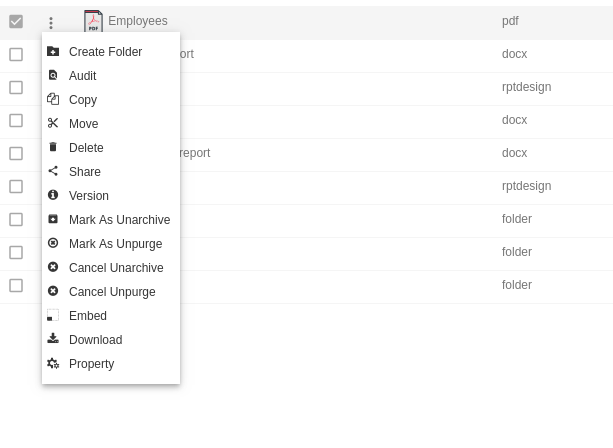
Select the file or folders you whose details you want.
Right click and select Version from the context menu as shown below:-
Here we can check the following version details of Customer details.pdf as follows:-
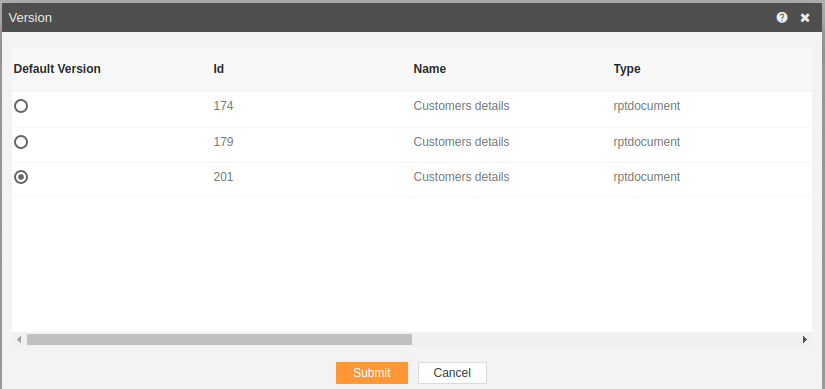
In this manner, you can check version details your reports in the OPNBI application.