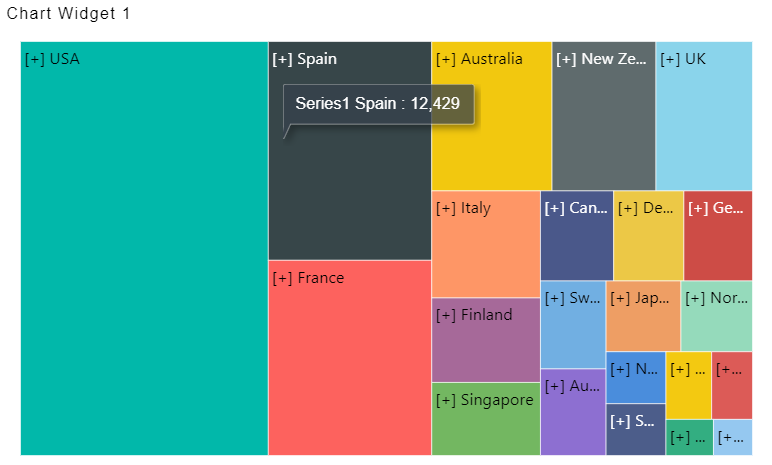
Global Thousand & Decimal Seperator
Global Thousand & Decimal Seperator
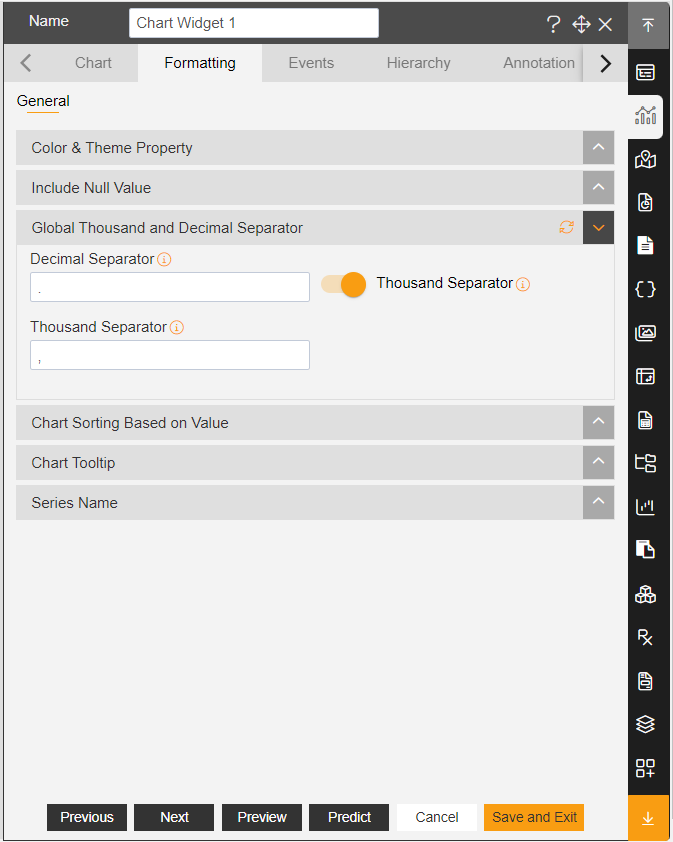
In Formatting Property click on General Property.
In General, click on Global Thousand and Decimal Separator Property.
Enable Toggle of the Thousand Separator, As Shown in figure below:
Click on Preview and Save and Exit.
Now, match your Radar chart with the below example, it should look like the figure below: