Formatting Properties
Formatting Properties: This video contains how to format Map Widget in OPNBI.
tip
Only users with Dashboard privilege have access to this section!
Read 5 minutes tutorial here.
Click on your current map widget in order to perform formatting. Go to Formatting tab and the following screen will be displayed:-
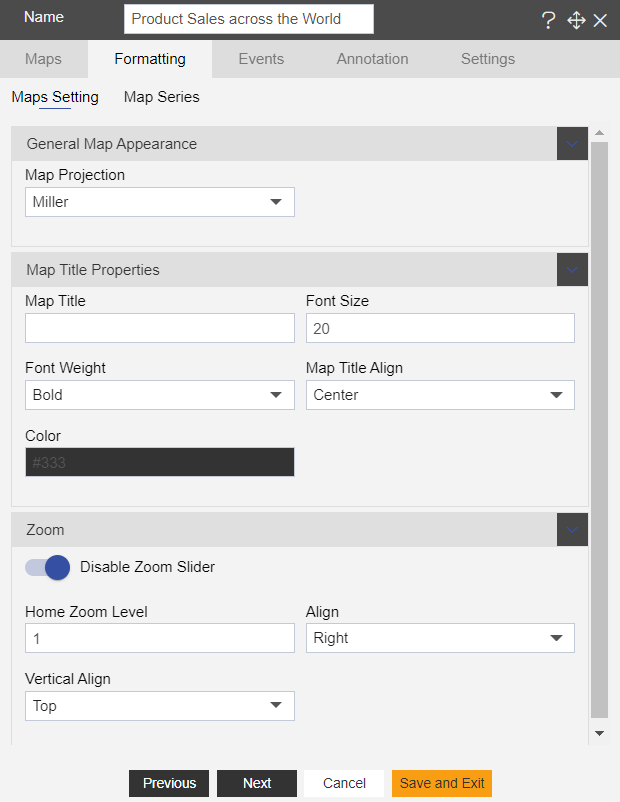
You can specify the name of your map widget in the Name section as mentioned above.
There are three sub-tabs under the formatting tab as follows:-
1. Map settings
2. Map series
Click on the above mentioned links to know in detail about each tab.
In order to understand in detail about other features, click on the following links:-